パレット - カラフルに🎨
Palette — ビジュアルページビルダー、デザインの専門知識は不要です。
デモ: EBT CTA
EBT Documentation
- EBTモジュールの一覧
-
デモ: EBT Blocks
- デモ: EBT Bootstrap ボタン
- デモ: EBT CTA
- デモ: EBT Micromodal
- デモ: EBT アコーディオン / FAQ
- デモ: EBT カウンター
- デモ: EBT カウントダウン
- デモ: EBT カラム
- デモ: EBT カルーセル
- デモ: EBT タイル
- デモ: EBT ヒーロー
- デモ: EBT ベーシックボタン
- デモ: EBT 動画・画像ギャラリー
- デモ: EBT 画像
- デモ: EBT 画像ギャラリー
- デモ:EBT Quote
- デモ:EBT Slick Slider
- デモ:EBT Slideshow
- デモ:EBT Stats
- デモ:EBT Tabs
- デモ:EBT Text
- デモ:EBT Timeline
- デモ:EBT Video
- デモ:EBT Webform
- デモ:EBT Webform Popup
- デモ:EBT ビュー
- デモ:EBTブロック
- EBT モジュールのインストール
- 新しい EBT モジュールの作成
- EBT モジュールの削除方法
EBT CTA Drupal モジュールの概要
EBT Click to Action は drupal.org からダウンロードできます:
https://www.drupal.org/project/ebt_cta
または composer を使用します:
composer require drupal/ebt_ctaEBT CTA は、DOM Box、背景色 / 画像 / 動画、Edge to Edge 設定など、すべての EBT モジュール機能を備えています:

Right aligned Image
2 Buttons CTA
The new style for the 2 Buttons CTA (Call to Action) in the EBT CTA Drupal module introduces a sleek, modern design that enhances user engagement. This update features distinct, easily recognizable buttons that encourage users to take action quickly. The buttons are customizable in terms of color and text, ensuring they align with the website’s branding. Additionally, the responsive design ensures optimal functionality across various devices, providing a seamless user experience.
Edge to Edge CTA block
Combine settings from EBT Core and EBT CTA
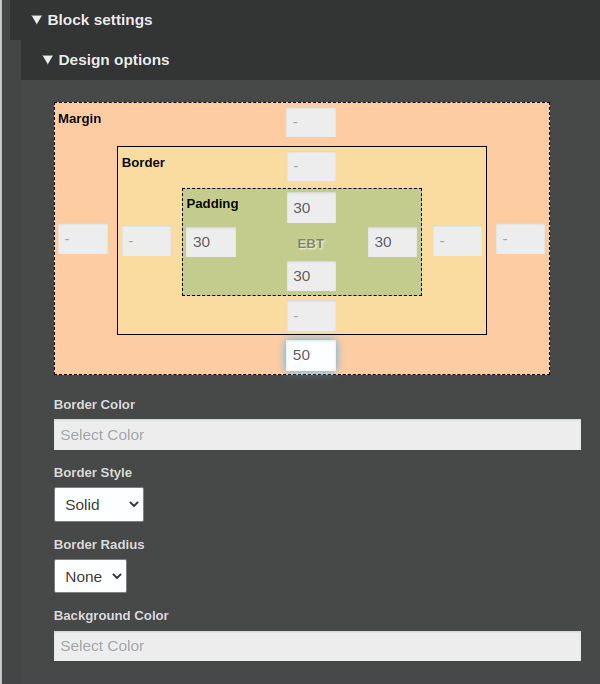
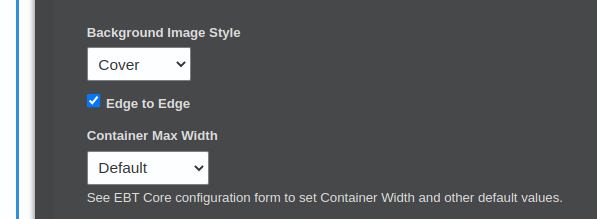
You can use EBT Core settings for Edge to Edge blocks
Styles for button
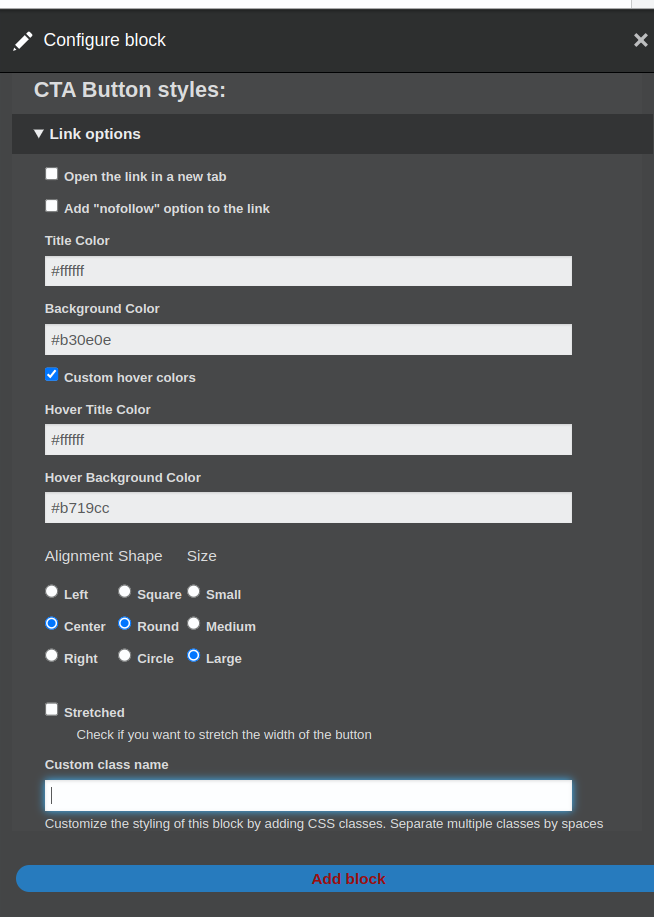
CTA Button settings
You can select styles for button in settings or add custom CSS class and write own CSS styles.
Thank you!
Thank you for using EBT modules! I will be glad for any ideas for EBT modules: