Paleta - Deixe colorido🎨
Palette — Construtor visual de páginas. Não precisa ser designer.
Scroll
7. Drupal: tematização avançada
11/09/2019, by mikhail
Menu
- Instalando o Drupal com Lando
- 1. Drupal: recursos básicos
- 2. Drupal: configuração
- 3. Drupal: construção de sites
- 4. Drupal Commerce: módulo de loja virtual
- 5. Drupal e SEO
- 6. Drupal: tematização
-
7. Drupal: tematização avançada
- 7.1 Construtores de temas Drupal 8
- 7.2 Criação de temas baseados em Bootstrap: compilando SASS com Gulp
- 7.3 Desativar cache e exibir debug no template
- 7.4 Versão mobile com tema Bootstrap
- 7.5 Bloco de serviços com colunas Bootstrap
- 7.6 Galeria Isotope
- 7.7 Bloco com vídeo do YouTube
- 7.8 Bloco com Twitter
- 7.9 Bloco com ícones sociais
- 7.10 Slideshow para Drupal
- 7.11 Formulário de feedback Webform
- 7.12 Rodapé do site, layout Pixel Perfect
- 9. Desenvolvimento de módulos para Drupal
- Drupal desacoplado: backend em Drupal
- Artigos antigos
Drupal has very few ready-made beautiful and functional themes. But Drupal integrates very easily with all third-party libraries and services. So for example, you can make your theme based on Bootstrap and use all the power of Drupal. In this section of the drupalbook.org site, we will discuss how to create themes quickly and conveniently from any layout.
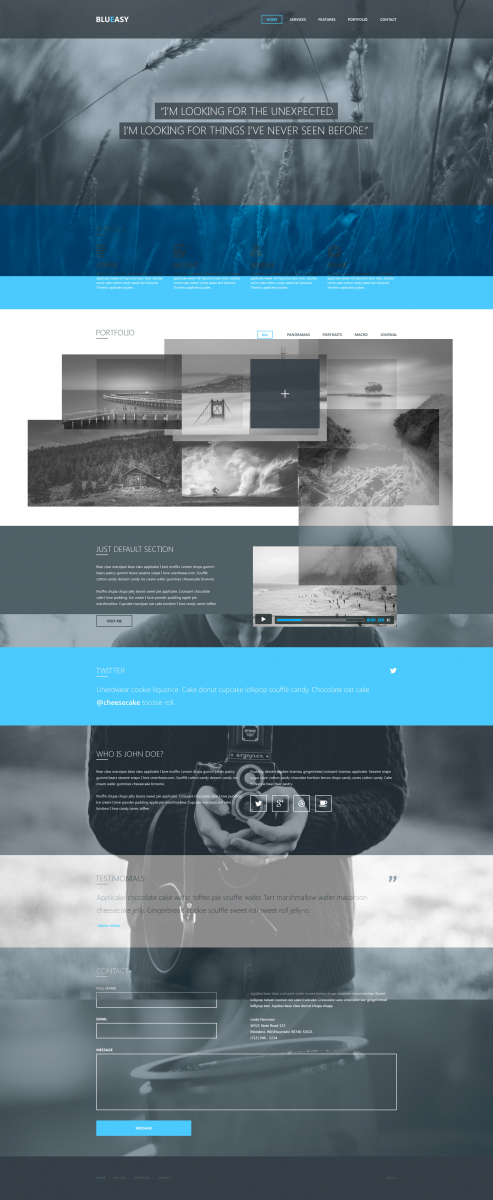
PSD layout:
https://drupalbook.org/sites/default/files/blueasy-freebie.zip
Source:
https://github.com/Drupalbook/bootstrap
We will also look at how to typeset adaptively so that the same HTML is used for the mobile and desktop versions:
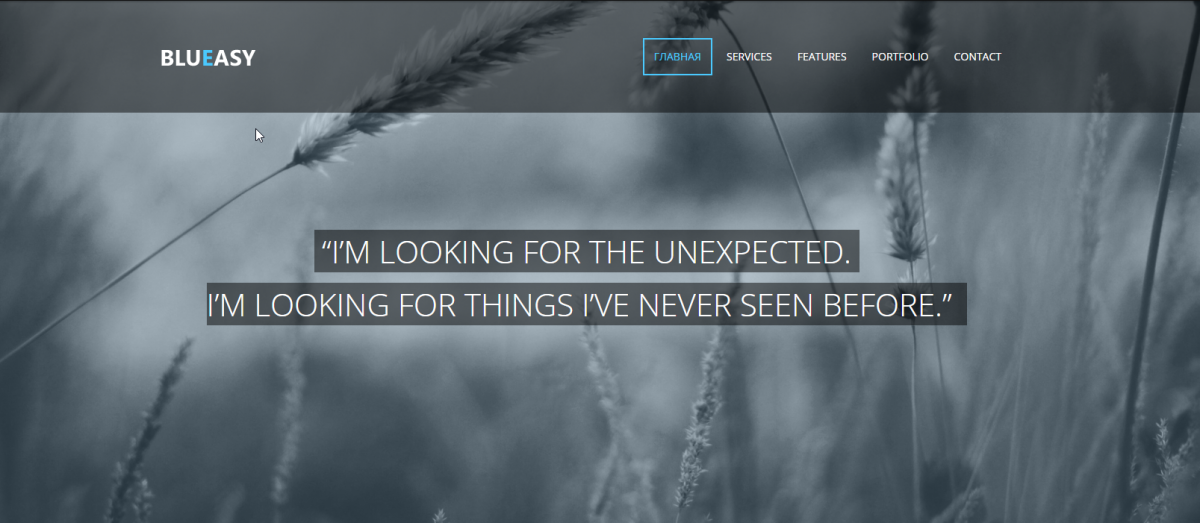

Page Layout: