
デモ:EPT Paragraphs
EPT モジュールを使用すると、HTML/CSS の知識がなくてもランディングページを簡単に作成できます。
Paragraphs と容易に利用できます
EPT モジュールは、Paragraph フィールドで使用できるパラグラフタイプを作成します:
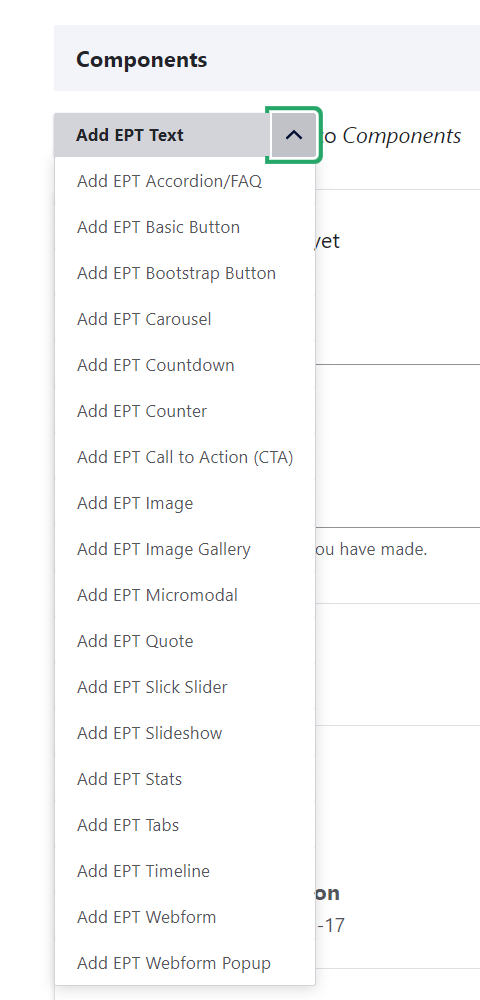
そのため、ページ上で数回のクリックで新しいパラグラフを追加できます。
Paragraph モジュールの詳細はこちら:
https://www.drupal.org/docs/contributed-modules/paragraphs
パラグラフのコンテンツ(Content)と設定(Settings)
パラグラフの編集フォームには、コンテンツ(Content)と設定(Settings)の2つのタブがあります。コンテンツタブには、タイトル、テキスト、画像などのフィールドが含まれます。設定タブには、EPT 共通設定の「デザインオプション(Design Options)」、たとえば DOM Box、およびモジュール固有の設定(JavaScript プラグイン設定、定義済みスタイル)が含まれます:
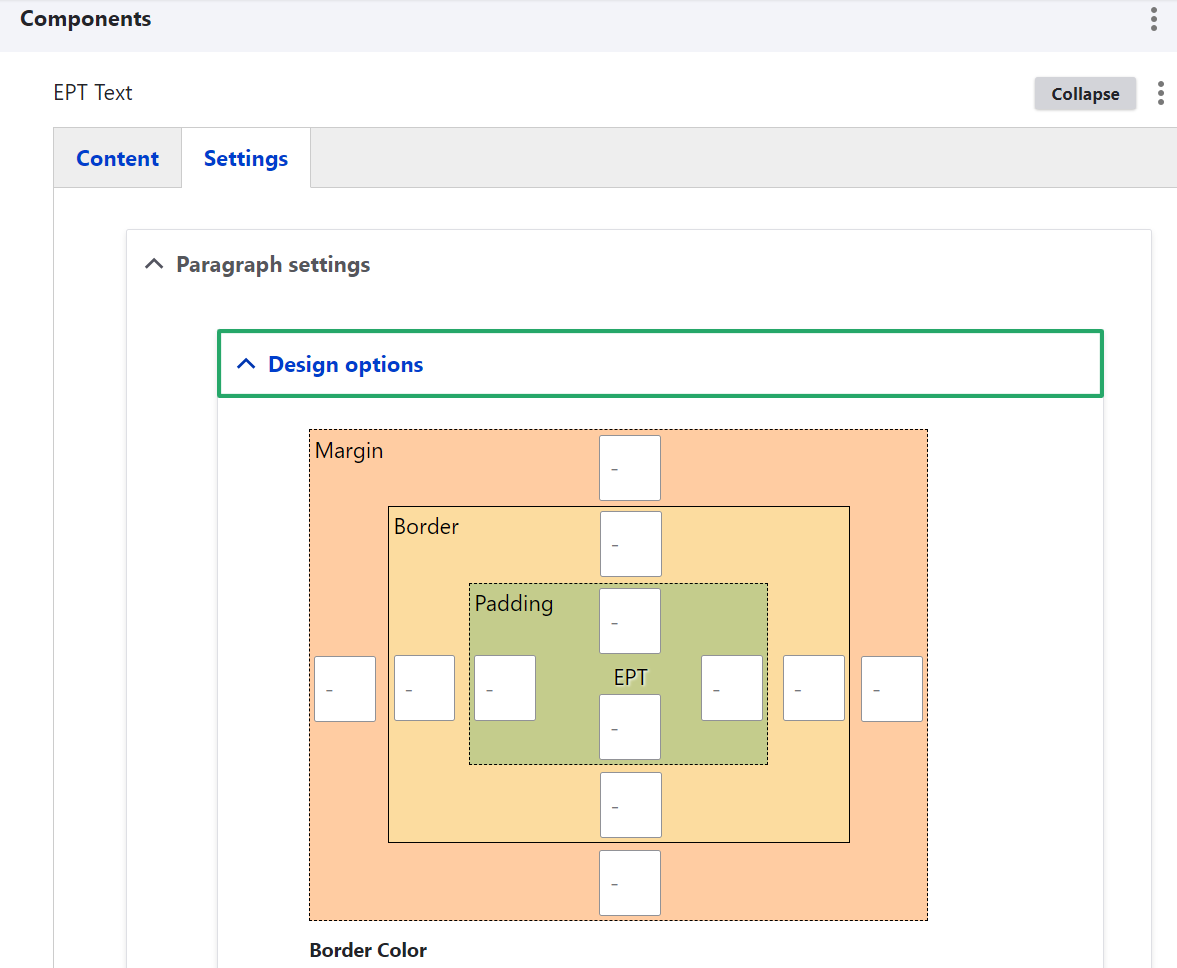
DOM Box:マージン、ボーダー、パディング
各 EPT パラグラフには、パラグラフの上下の間隔と、パラグラフ内のパディングを設定する DOM Box 設定があります:
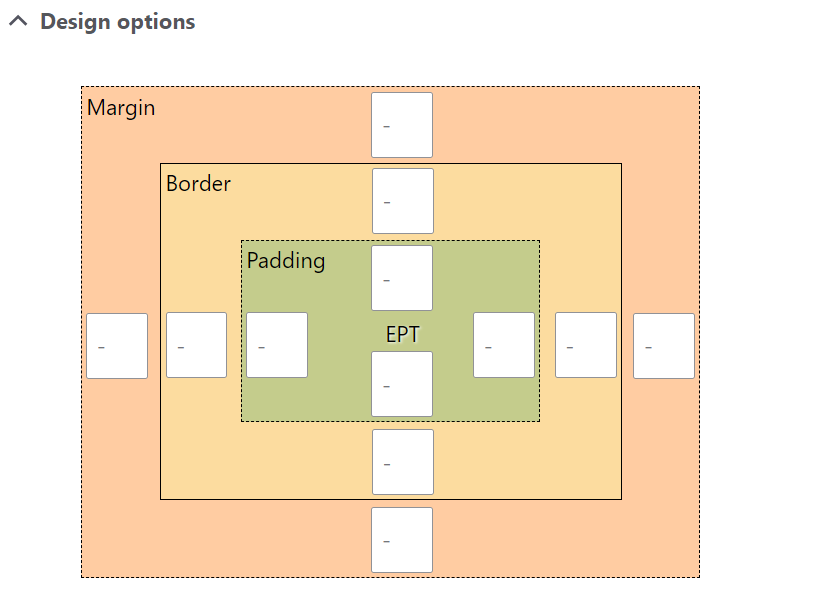
ボーダーは1辺、2辺、または全辺にのみ設定できます。DOM Box でボーダーのサイズを入力するのを忘れないでください。入力しないとボーダーは表示されません。
背景色、画像、またはビデオ
すべての EPT パラグラフタイプには背景設定があります。Media モジュールに基づいて、背景色、画像、リモートビデオをサポートしています。
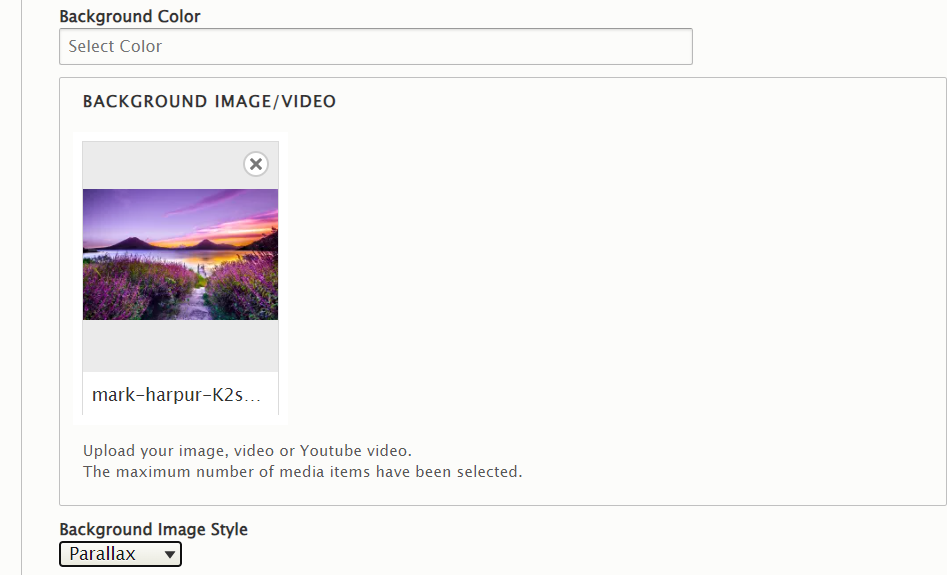
パラグラフの見た目を良くするために DOM Box を調整して、追加のパディング、マージン、ボーダーを追加してみてください。EPT Accordion/FAQ モジュールの例はこちら:
https://www.drupal.org/project/ept_accordion
Background Video
Background Video
EPT modules support only YouTube background videos for now.
Where do programmers gather?
Where do programmers gather?
In the Stack Overflow lounge.
Can you give me a musical note for programming?
Can you give me a musical note for programming?
C#
In the Background Image Style field, you can choose how the background image behaves. If your image is too small, try selecting "Cover" or "Parallax" so the background image fills the entire paragraph:

Edge to Edge paragraphs
Edge to Edge paragraphs
Very often on landing pages, it's necessary to use a full-width background while centering the content. In the EPT settings, there is a checkbox called "Edge to Edge" that makes the outer container of the paragraph span the full width:

What is the meaning of life?
What is the meaning of life?
42
What is the most popular programming task?
What is the most popular programming task?
A semicolon is missing.
What are the two words every programmer learns to code first?
What are the two words every programmer learns to code first?
Hello, World!
Where did programmers learn to code?
Where did programmers learn to code?
At Stack Overflow University.
What is the golden rule in programming?
What is the golden rule in programming?
If it works — don't touch it.
Container Max Width helps configure the width of the content within a paragraph that uses the Edge to Edge option. Since the paragraph stretches to full width, it's necessary to define the width for the text — sometimes this varies between paragraphs. You can modify the values of the Container Max Width classes; by default, EPT offers the following container width options:
- Auto (100%) — Full width for the text container
- xxSmall — 280px
- xSmall — 480px
- Small — 780px
- Default — 960px
- Large — 1120px
- xLarge — 1320
- xxLarge — 1600
Predefined styles
Predefined styles
EPT modules usually include a set of predefined styles. This helps save time when styling a new component on your landing page. You can also create your own style and add it to the EPT module.
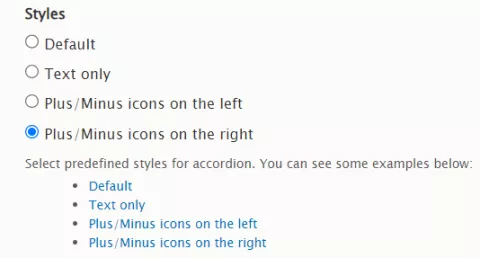
Result:
As a programmer, where do you see yourself in 10 years?
As a programmer, where do you see yourself in 10 years?
Sitting in front of a computer, probably programming.
Can you describe the life of programmers in four words?
Can you describe the life of programmers in four words?
Eat. Sleep. Code. Repeat.
How do programmers enjoy life?
How do programmers enjoy life?
When they see their code run without errors.
What is the biggest lie in programming?
What is the biggest lie in programming?
HTML is a programming language.
Customizable JavaScript plugins
Customizable JavaScript plugins
Some EPT modules, such as EPT Slideshow, use JavaScript plugins:
https://www.drupal.org/project/ept_slideshow
You can customize this JavaScript plugin to suit your needs:
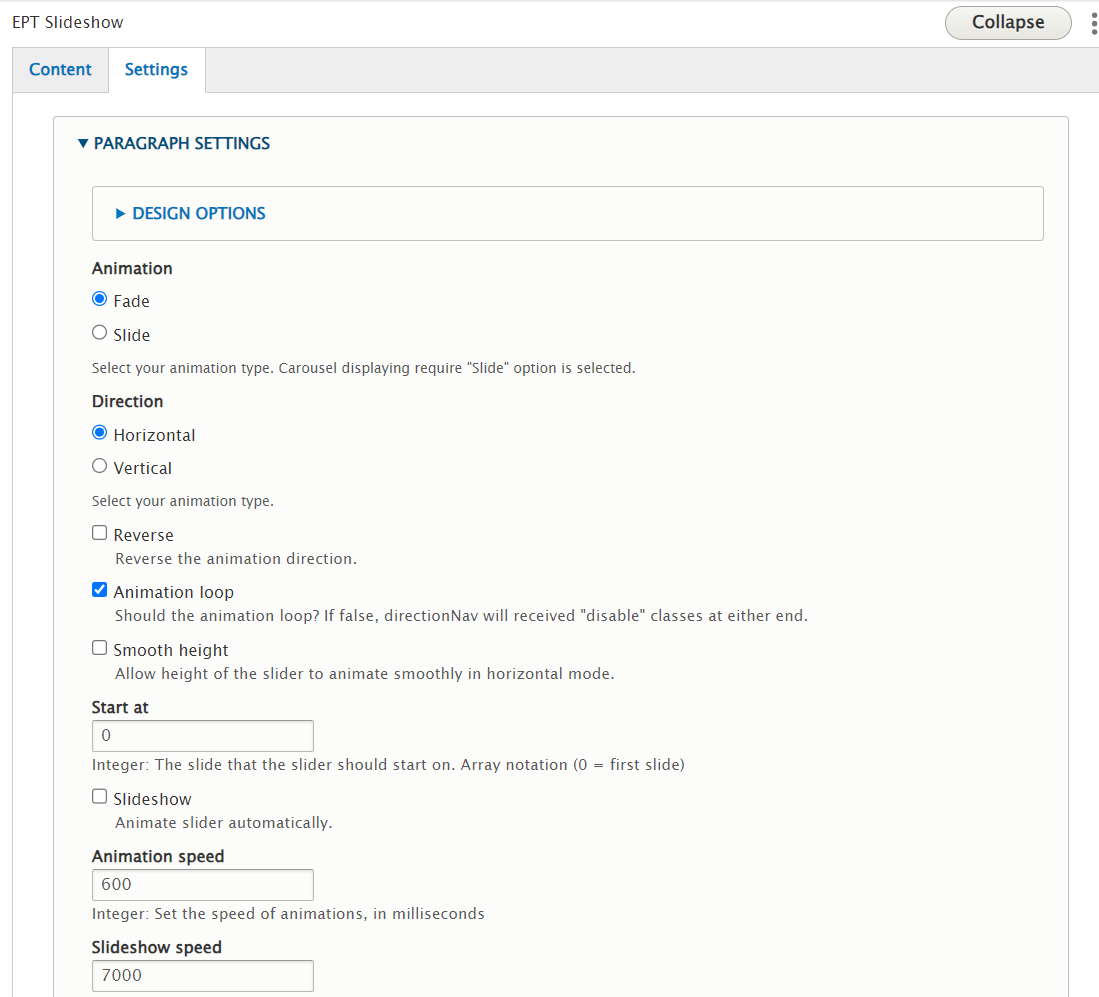
Single slide mode:


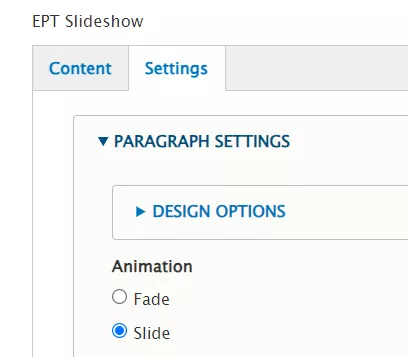
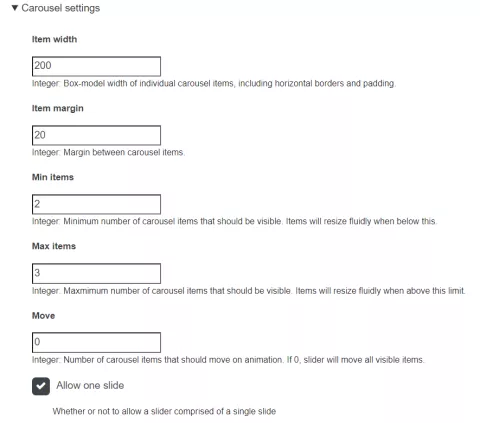
Multiple slides — carousel mode:
Multiple slides — carousel mode:
Thank you for using the EPT modules! I would be happy to hear any ideas for EPT modules: