
Configurando autenticação básica com o módulo HTTP Basic Authentication
Authentication for CRUD Operations with JSON:API
When interacting with the JSON:API, tools such as Postman or cURL can be used to send requests. By default, requests made through these tools are treated as coming from an "anonymous" user, since they do not inherently manage user authentication. As a result, access to certain resources may be restricted based on the permissions configured for anonymous users in your Drupal site.
However, if your goal is to perform create, update, or delete (CRUD) operations via the JSON:API, relying on anonymous access alone is insufficient. These operations require authenticated access. Drupal supports multiple authentication methods, which can be enabled through various contributed and core modules.
One of the most commonly used methods is HTTP Basic Authentication, which is included in Drupal core. For more advanced use cases, modules like Drupal REST & JSON API Authentication offer extended authentication capabilities and customization options, allowing you to tailor the security model to your application’s needs.
Steps to make an authenticated request
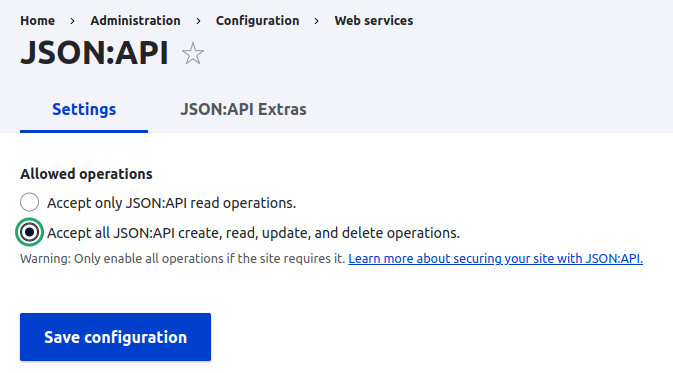
- For this example make sure all operations are enabled
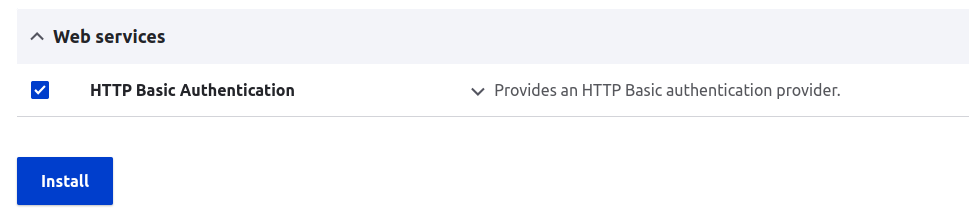
- Enable the HTTP Basic Authentication module
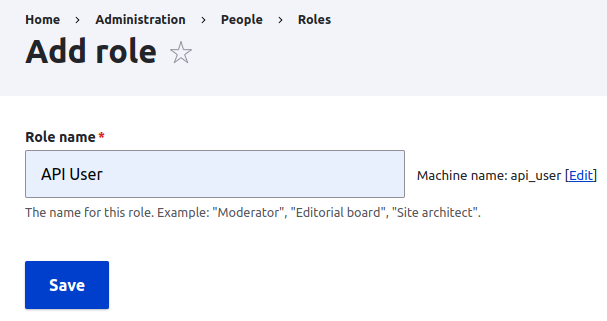
- Create a role for API User
- Give necessary permission for the role. /admin/people/permissions/api_user
- For this example make sure to give
*Article*: Create new contentpermission - Create a user with the API User permission. /admin/people/create

- Configure authorization in postman. User the newly created account
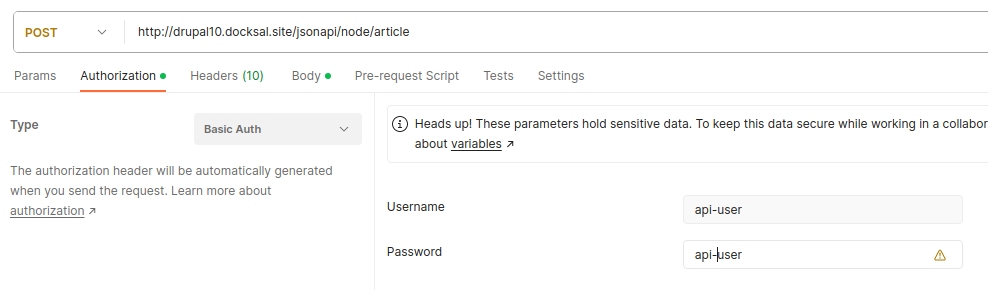
- Add Content-Type header
application/vnd.api+json
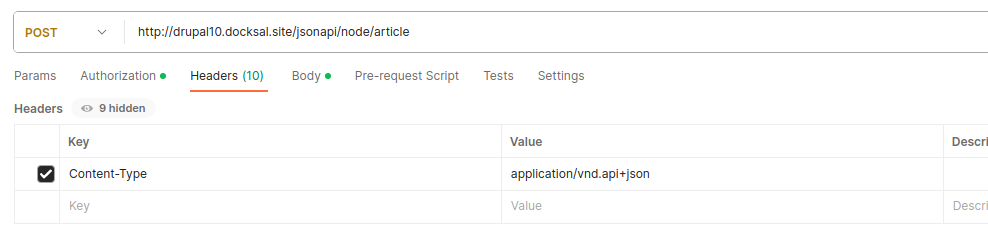
- Update the body:
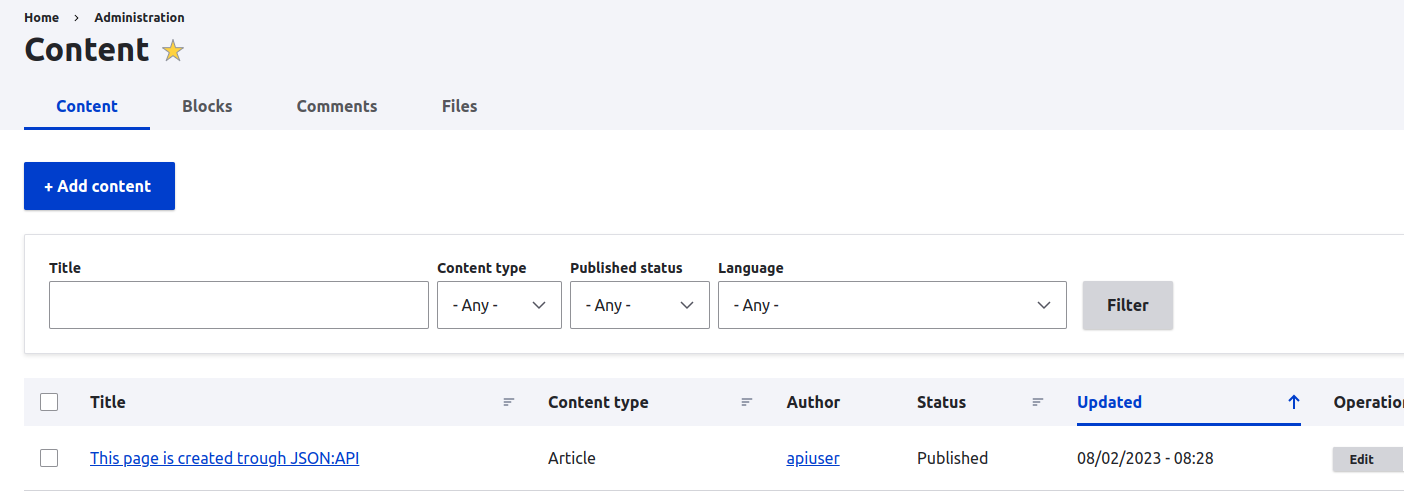
{ "data": { "type": "node--article", "attributes": { "title": "Esta página foi criada via JSON:API", "body": { "value": "algum texto de corpo", "format": "plain_text" } } } } - Envie a requisição e observe a resposta. Se o código de status for 201, você fez com sucesso uma requisição autenticada ao seu JSON:API e criou um node do tipo article
JSON:API is a powerful and standardized specification that simplifies the process of building APIs in Drupal. Introduced as a core module in Drupal 8 and later, it allows developers to expose content and data through a consistent and well-defined API without the need for extensive custom development.
By simply enabling the JSON:API module, you gain immediate access to a structured API that adheres to the JSON:API specification. This enables effortless interaction with your Drupal site's content using intuitive URL patterns and predictable response formats—ideal for frontend applications, integrations, and decoupled architectures.
To explore more advanced capabilities and best practices, consult the Drupal JSON:API Module Documentation. The documentation provides comprehensive guidance on features such as pagination, filtering, sorting, file uploads, and more—helping you unlock the full potential of JSON:API within your Drupal project.