パレット - カラフルに🎨
Palette — ビジュアルページビルダー、デザインの専門知識は不要です。
Scroll
デモ:EPT Basic Button
01/10/2023, by Ivan
EPT Documentation
- EPT モジュール一覧
-
デモ:EPT Paragraphs
- デモ:EPT Accordion / FAQ
- デモ:EPT Basic Button
- デモ:EPT Bootstrap Buttons
- デモ:EPT CTA
- デモ:EPT Carousel
- デモ:EPT カラム / コンテナ
- デモ:EPT Countdown
- デモ:EPT Counter
- デモ:EPT Hero
- デモ:EPT Image
- デモ:EPT Image Gallery
- デモ:EPT Micromodal
- デモ:EPT Slick Slider
- デモ:EPT Slideshow
- デモ:EPT スタッツ
- デモ:EPT タブ
- デモ:EPT テキスト
- デモ:EPT タイル
- デモ:EPT タイムライン
- デモ:EPT ビデオ
- デモ:EPT ビデオ&イメージギャラリー
- デモ:EPT ウェブフォーム
- デモ:EPT ウェブフォーム ポップアップ
- デモ:EPT ブロック
- デモ:EPT Quote
- デモ:EPT ビュー
- EPT モジュールのインストール
- 新しい EPT モジュールの作成
EPT Basic Button Drupal モジュール概要
EPT Basic Button は drupal.org からダウンロードできます:
https://www.drupal.org/project/ept_basic_button
または Composer を使用します:
composer require drupal/ept_basic_button
EPT Basic Button には、DOM Box、背景色/画像/動画、Edge to Edge 設定など、EPT モジュールのすべての機能が含まれています:
https://drupalbook.org/ept/demo
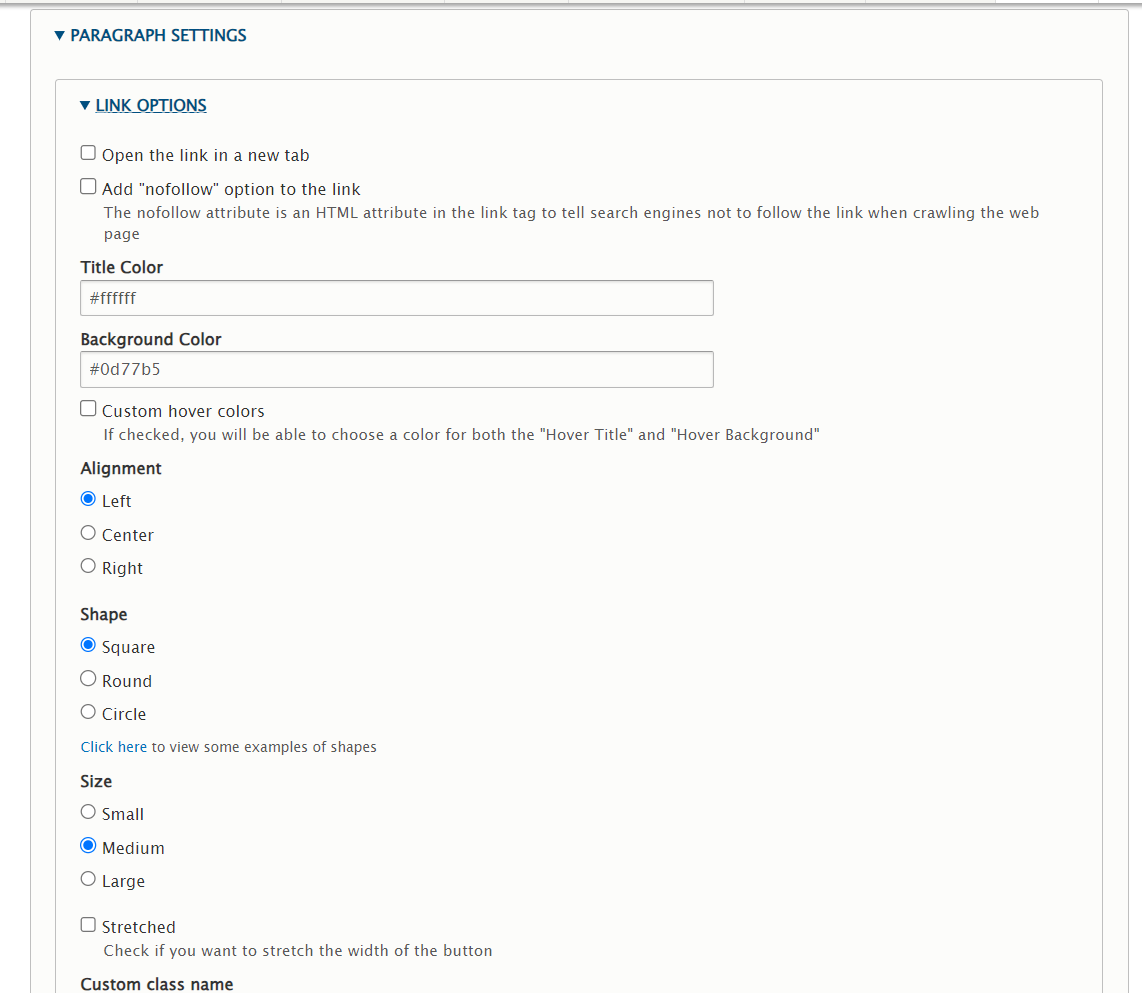
EPT Basic Button には、リンクオプション(Link Options)の設定セクションがあります: