
1.3. Localization Drupal 8.
Quite often, it is necessary to switch Drupal to another language. Let's say you installed the English version of Drupal, but you need the Russian one, or you want Drupal in two languages—Ukrainian and Russian. In Drupal, you have the ability to do this out of the box. Let's figure out how to do it.
First, enable the modules for language configuration: Configuration Translation, Content Translation, Interface Translation, Language.
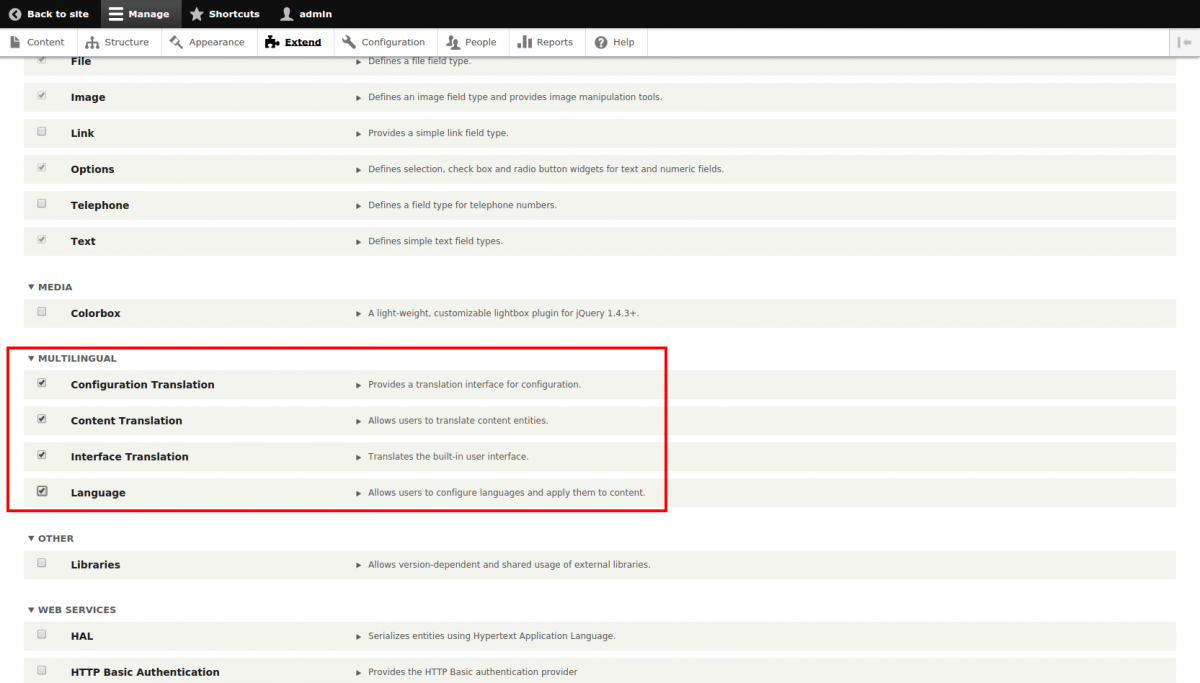
Here is the English translation of your sentence:
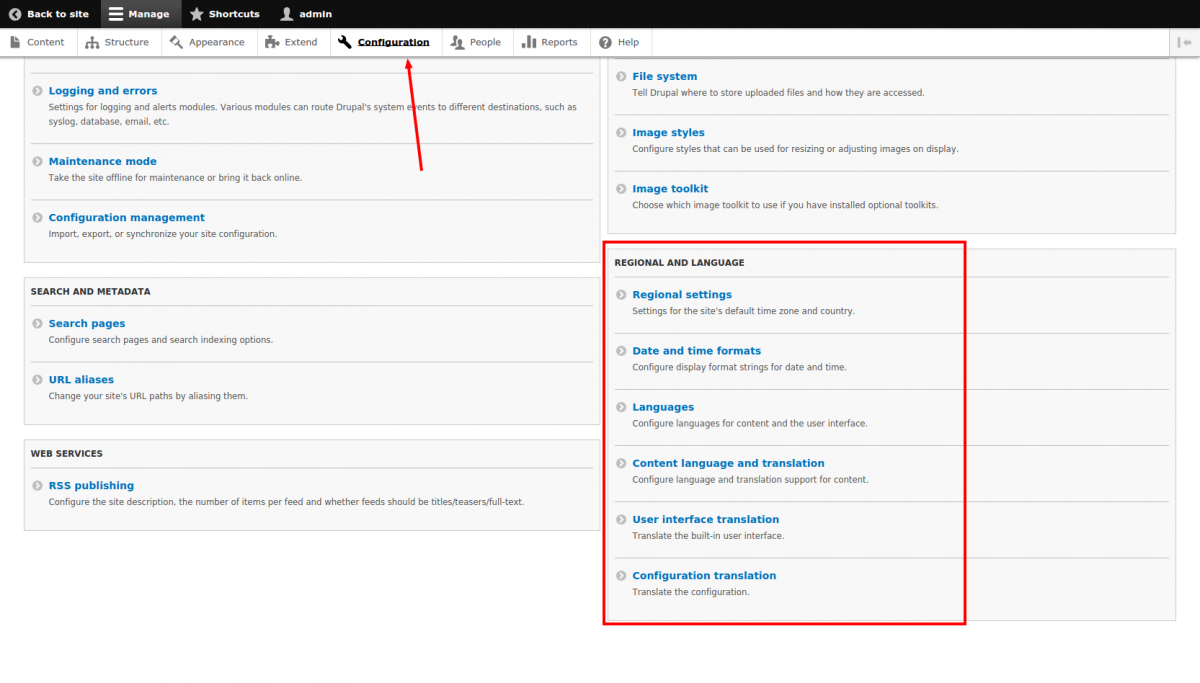
Let's go to the Languages page and add the Russian language.
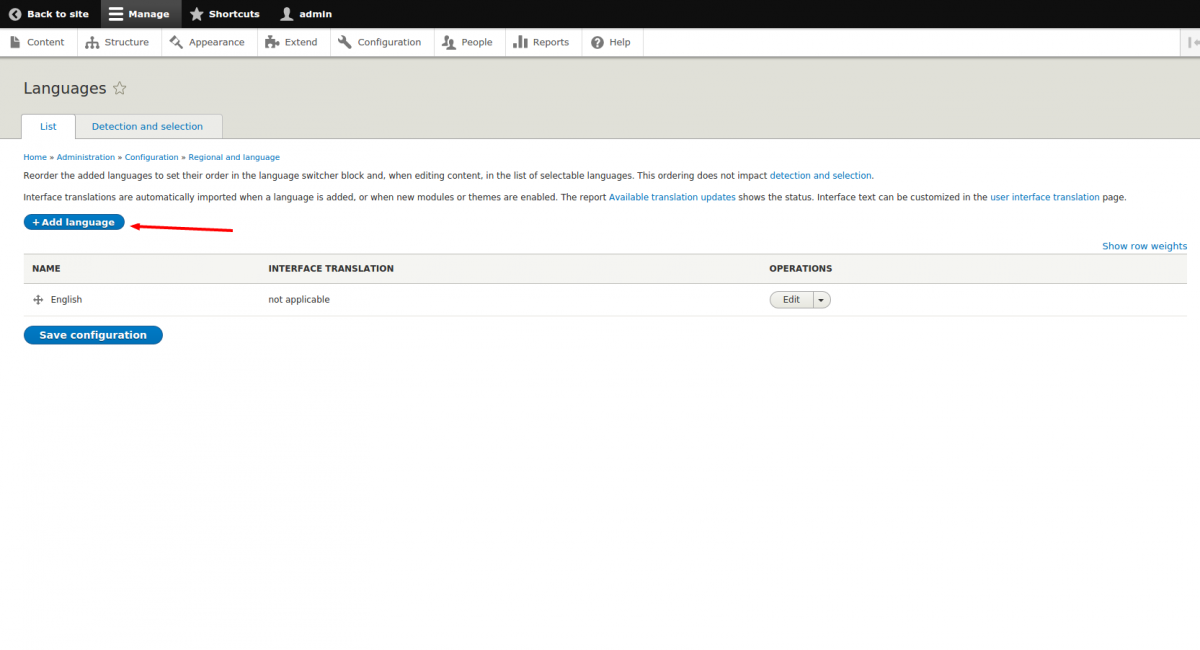
Next, select the Russian language and install it. If you have an internet connection, Drupal will automatically download all the translation files. The Russian language will then appear.
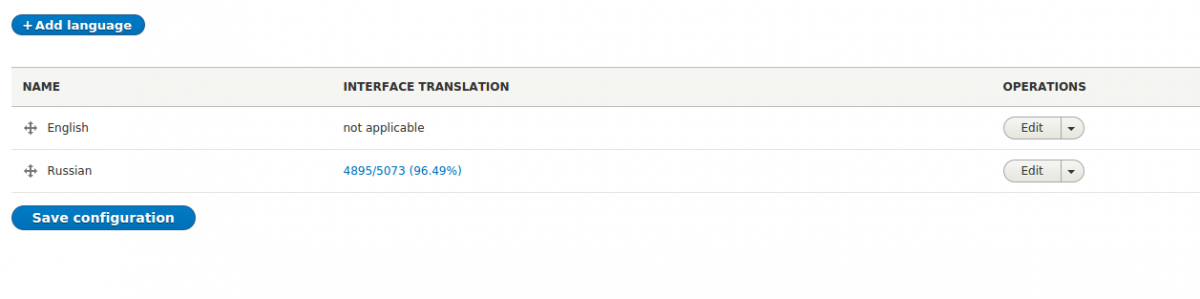
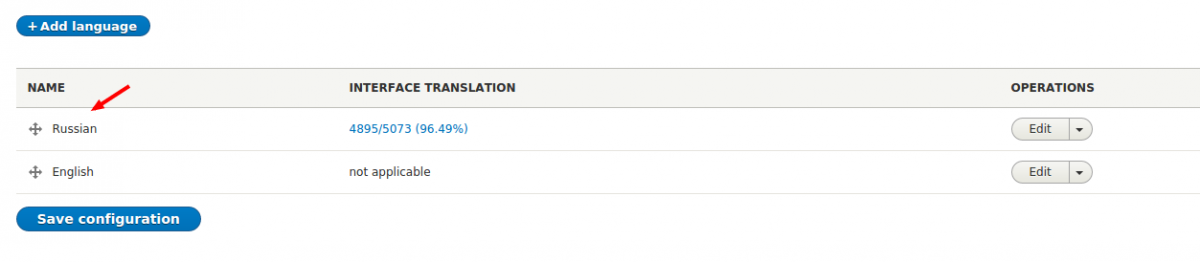
Now on this page, drag the Russian language to the top of the list by the cross icon—this is necessary to make Russian the default language everywhere.
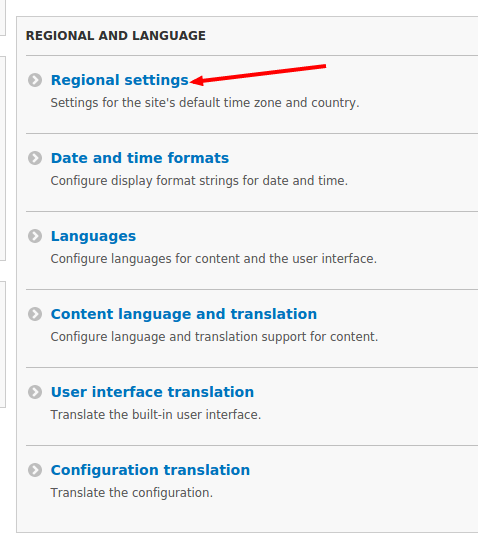
Now go to the Configuration -> Regional settings page to set the Russian language.
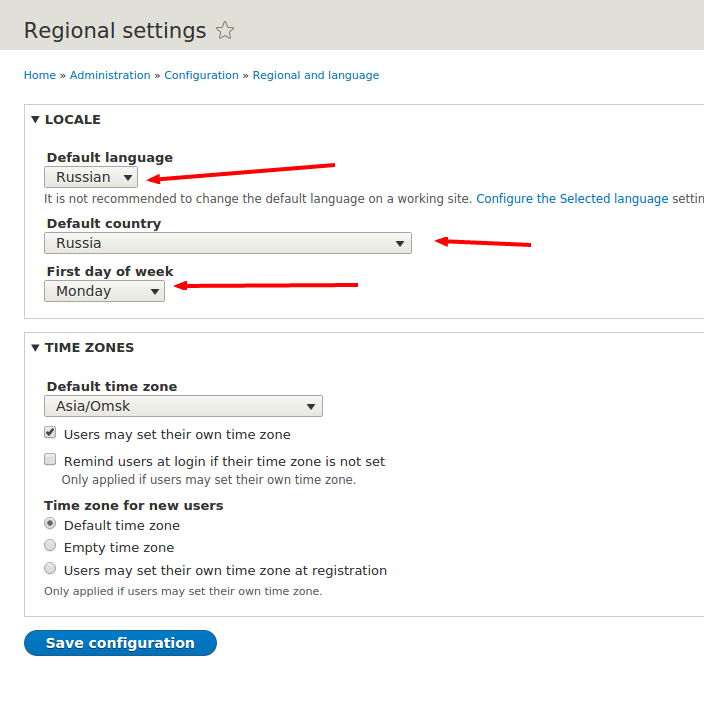
Now select the Russian language and save the settings.
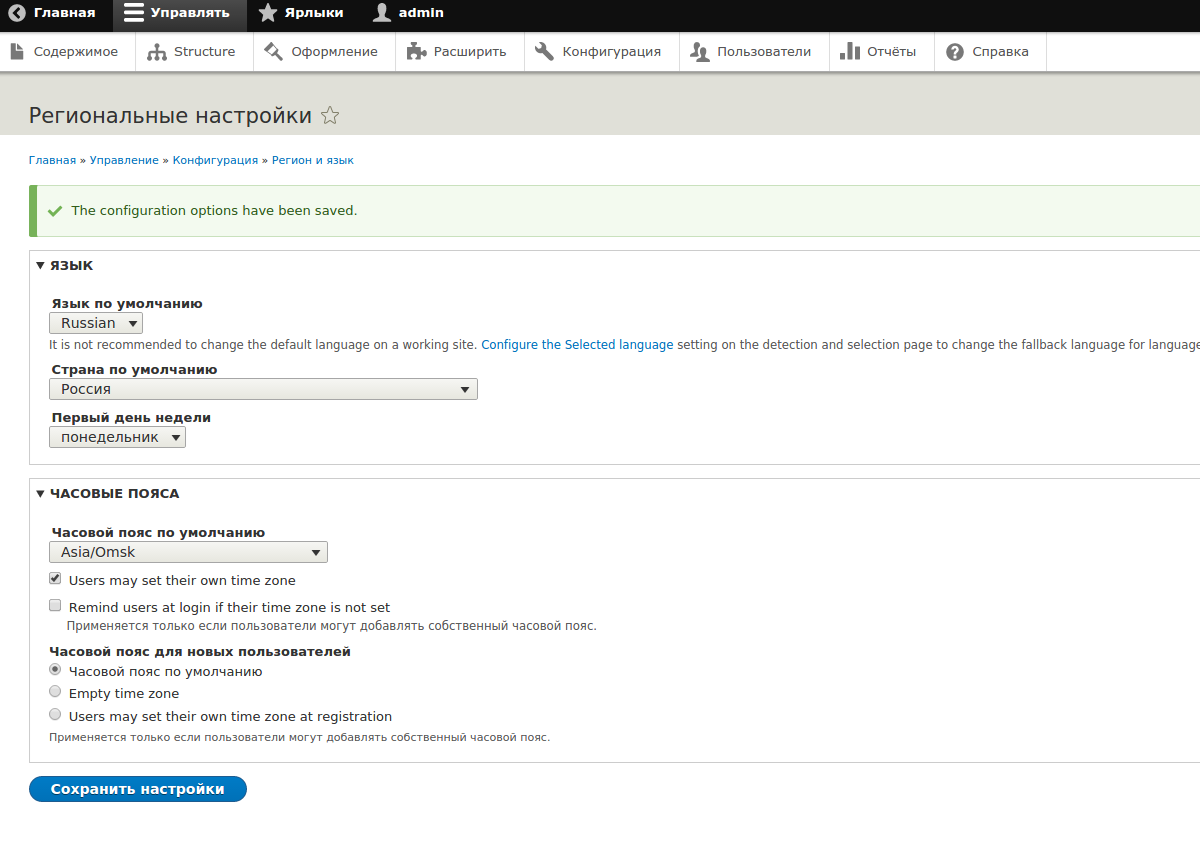
That's it—now your site has the Russian language.
Next, we’ll look at how to translate Drupal without an internet connection and how to translate individual strings in Drupal that remain in English.