

The blog module is now not included in the Drupal core and can be downloaded from the module page:
https://www.drupal.org/project/blog
It is installed as well as all other modules. Drupal is a ready-made blog platform, you only need to enable the CKEditor module for more convenient editing. Enable it if it is not enabled.
Now you need to configure the CKEditor module, go to Menu - Configuration- Text formats and editors and click the settings for Plain Text.

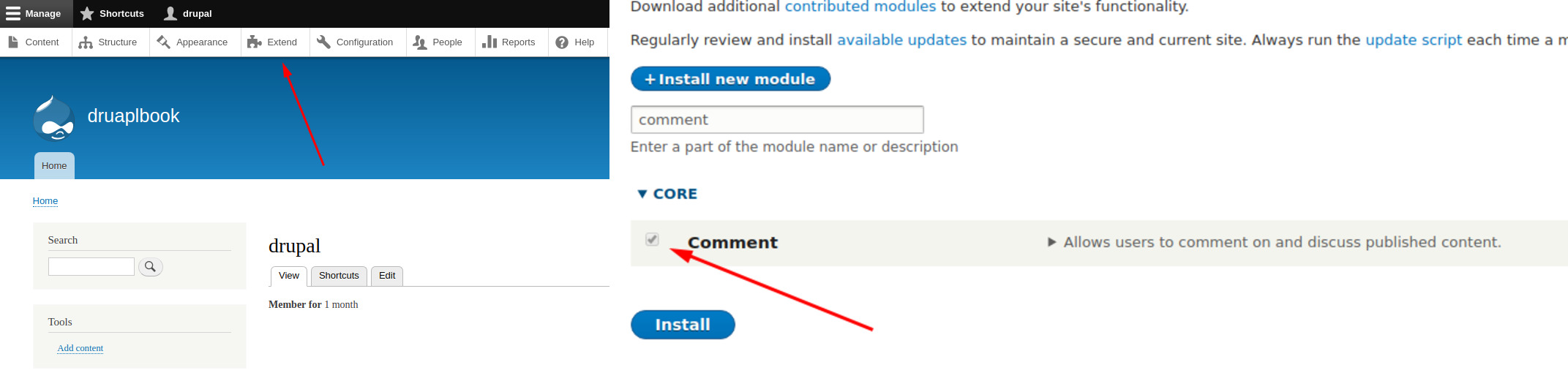
Drupal already has Comment module in core, you just need to enable it:
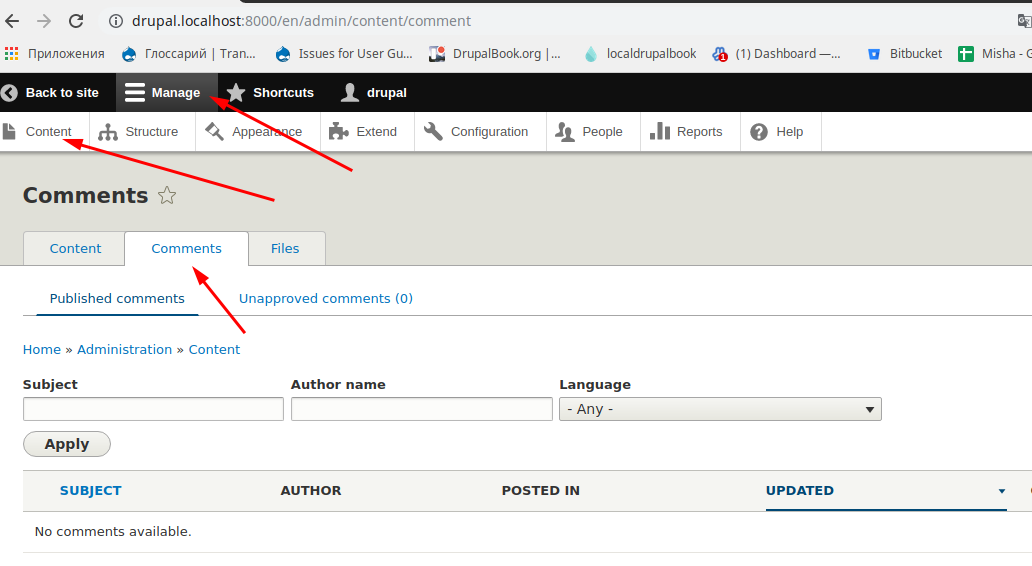
All comments can be viewed on the Manage - Content — Comments:
Drupal has become even more convenient for content managers, now you can edit the site without going to the admin area. To do this, use the spark project:
https://drupal.org/project/spark
As a result, added:
- Admin menu adapted for mobile devices
- Fully customized visual editor CKEditor
- Content editor directly from the site without entering the admin area
- Improved two column admin for editing
- (Supposed) preview tool for mobile

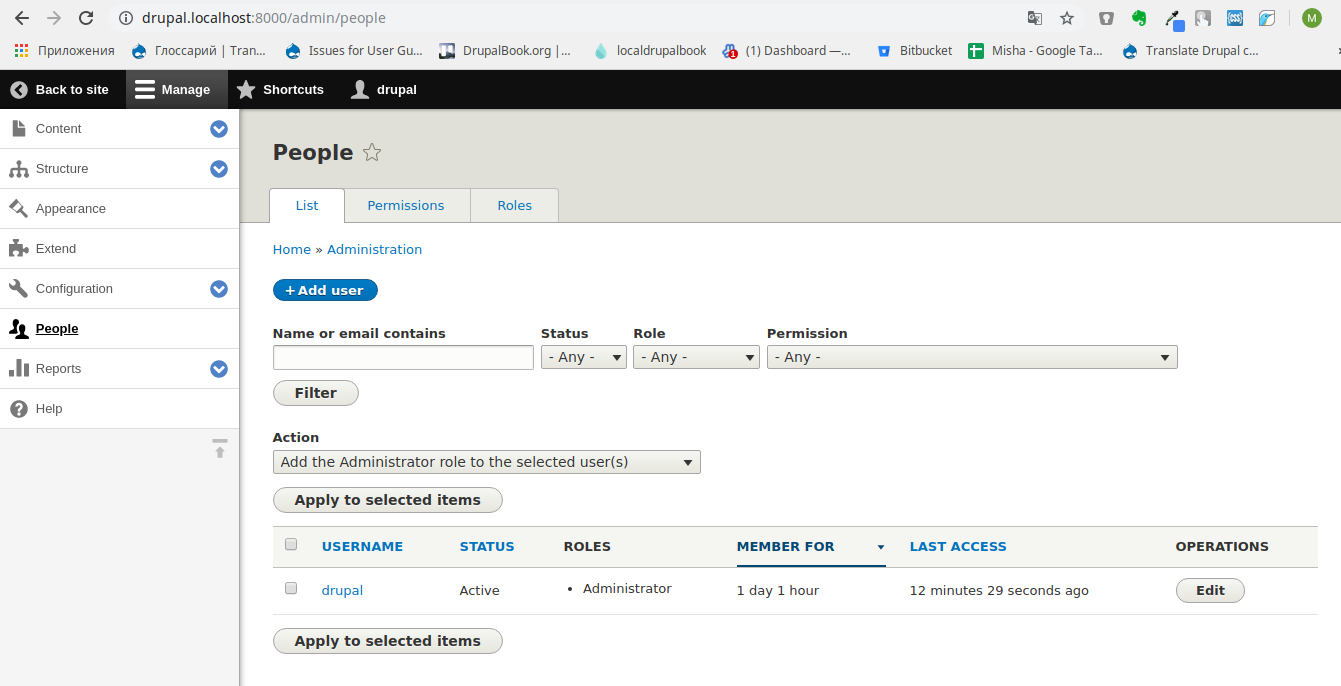
In Drupal 10 is the same as in previous versions, there is a system of users with roles and permissions to access the functionality of the site for each role.
The page of all users is in the Menu — People:
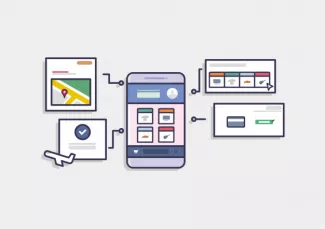
After installing Drupal, you get a blog with a visual editor. But with the help of the Views module and other modules you can quickly increase the functionality of the site. So let's look at what is in Drupal.
Admin menu
In Drupal we have by default a menu that combines the toolbar and admin modules:
https://drupal.org/project/Admin
https://drupal.org/project/toolbar
So with one button click we can switch from one mode to another:

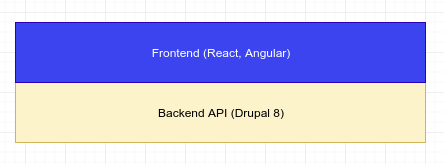
Drupal is dynamically developing platform. Drupal developers try to follow all modern trends and decoupled applications one of them. It's already habitually to see backend API based on Drupal and javascript framework (React, Angular) on frontend. Even medium sites for small companies use this approach.

Drupalbook.org is a comprehensive online resource that provides high-quality and up-to-date information about learning Drupal, the popular content management system. Whether you're a beginner or an experienced developer, Drupalbook.org offers a wealth of resources, including tutorials, articles, and guides, that will help you master Drupal and take your skills to the next level. With its user-friendly interface and engaging content, Drupalbook.org is the perfect platform for anyone looking to learn Drupal and build amazing websites.